
Location Lock
Arrive somewhere.
Be there.
Turn the places you choose into places you can focus.
Walk into your saved zone. Your focus rule follows.
Illustrative map. This preview does not access your location. Actual detection depends on device permissions and conditions.
Your surroundings.
Your state of mind.
Save a place, choose its boundary, and select the apps you want to block there. RAPT helps your phone respect the reason you showed up.
A library for learning.
Keep the feeds outside your study space.
An office for getting there.
Give your work a little more room.
A café for your next chapter.
Make space for the book you brought.
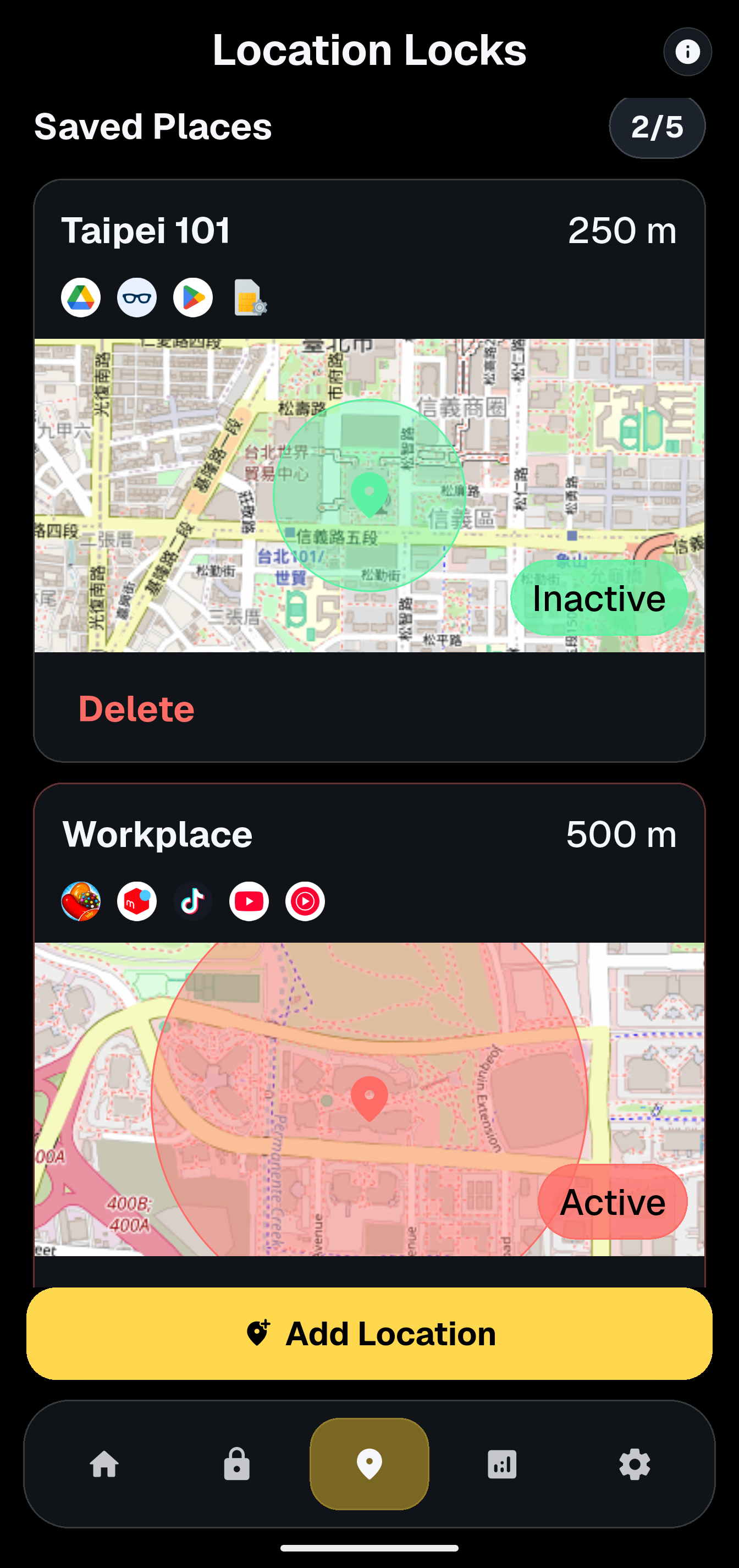
A boundary for distractions.
Room for everything else.
You choose the place.
Build a focus zone around somewhere that matters to you.
You choose the apps.
Keep useful tools close. Set boundaries for the distractions.